sQRH — Quick Reference Handbook
A streamlined, pilot-focused toolkit for Airbus operations.
sQRH provides pilots with instant access to emergency procedures, checklists, hold-over time tables, and operational references — all optimized for cockpit use. Designed to be easier to read at night and usable in split screen alongside your other critical apps.
what’s new in 4.0
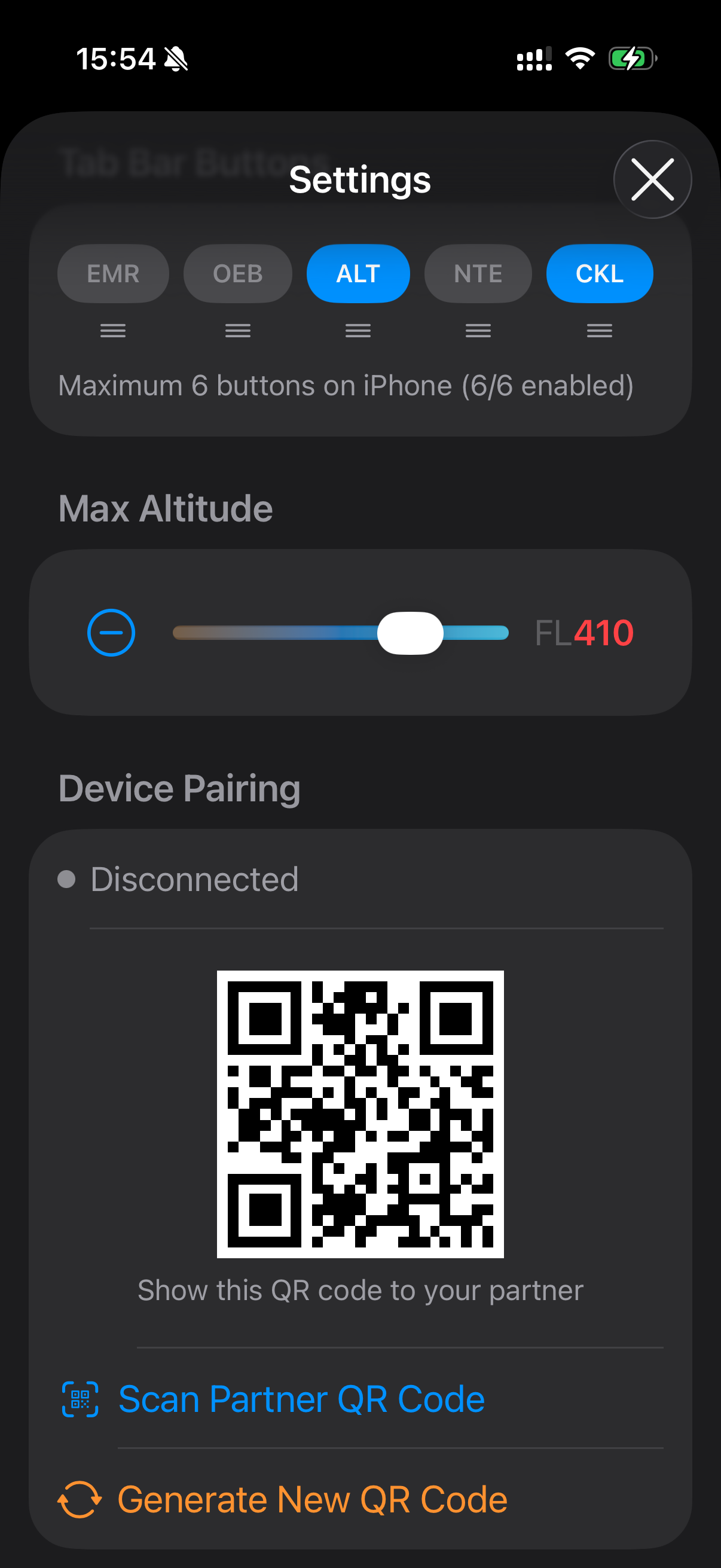
- Cockpit Checklist Sync — Pair two iPads by scanning a QR code. Checked items, section expansions, and resets sync live via encrypted MultipeerConnectivity over the local network. Both devices must run the same checklist release; if releases differ, sync pauses with a warning.
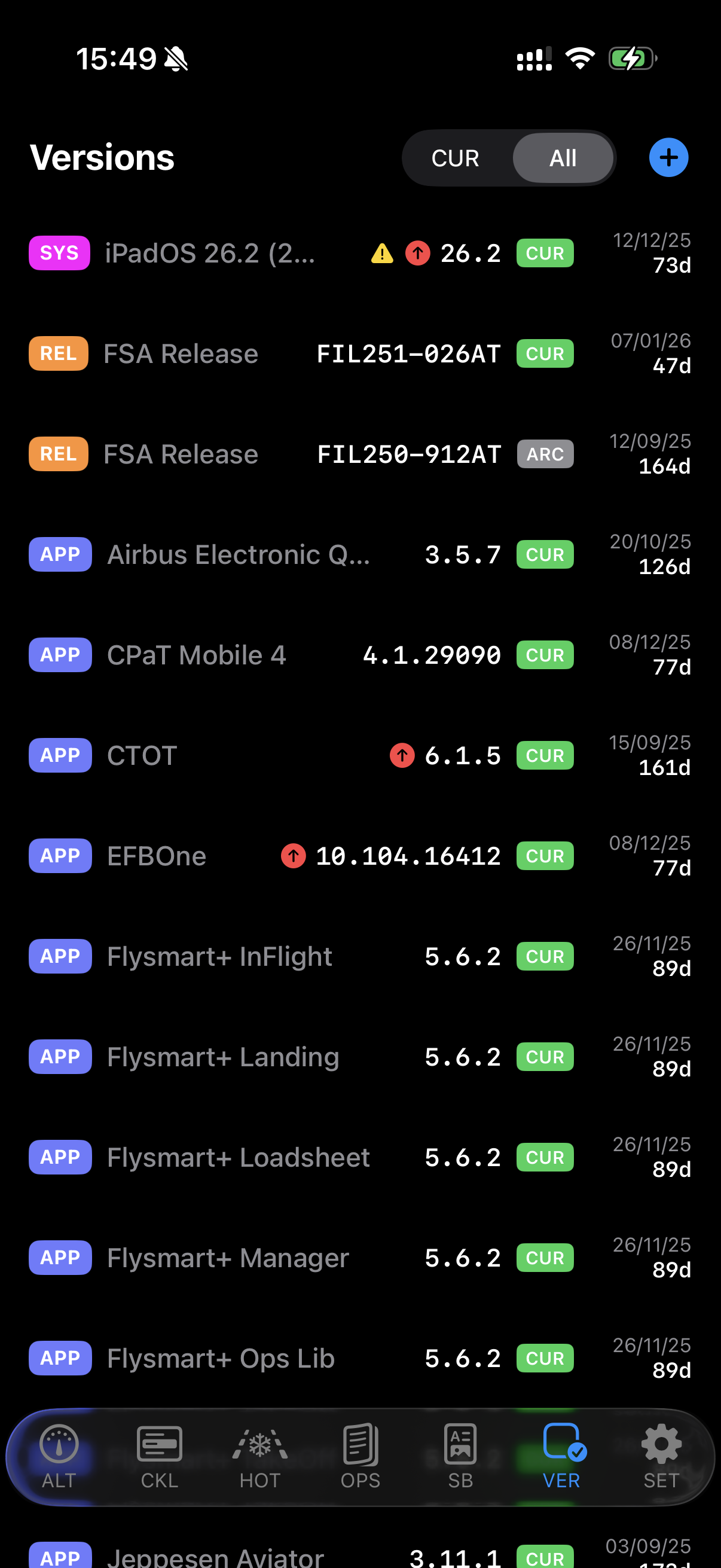
- Versions (VER) — New tab to track all EFB app and system versions. Pull down to check the App Store for updates. Works standalone or syncs with a BLINK/FSA server.
- Quick-Access Menu — Long-press SET to reveal a vertical menu with hidden tabs. Drag to select, no need to open Settings.
key features
Emergency Procedures (EMR)
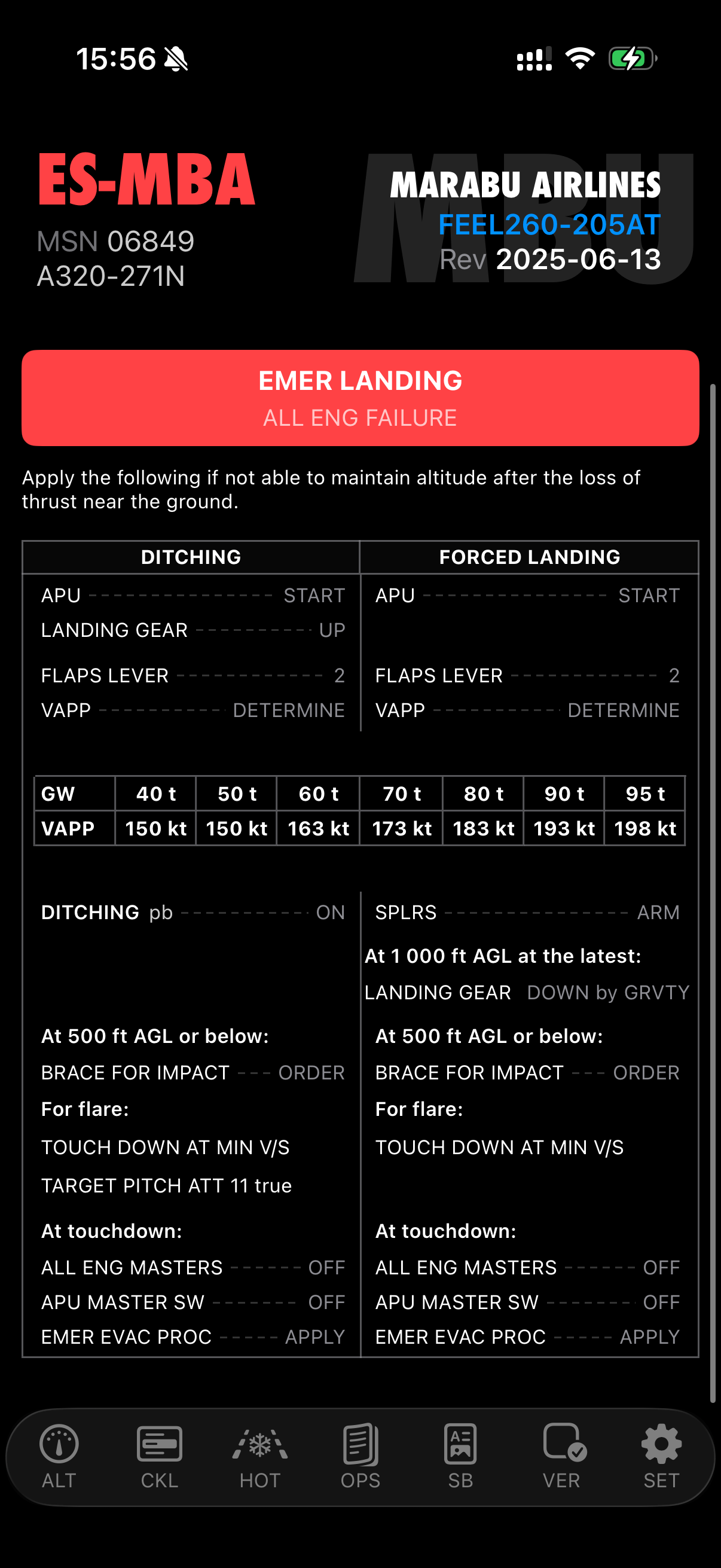
Quick access to emergency evacuation and landing procedures with one-tap toggle. Full procedure rendering with inline illustrations, warnings, cautions, notes, tables, and ECAM references.
Checklists (CKL) with Live Sync
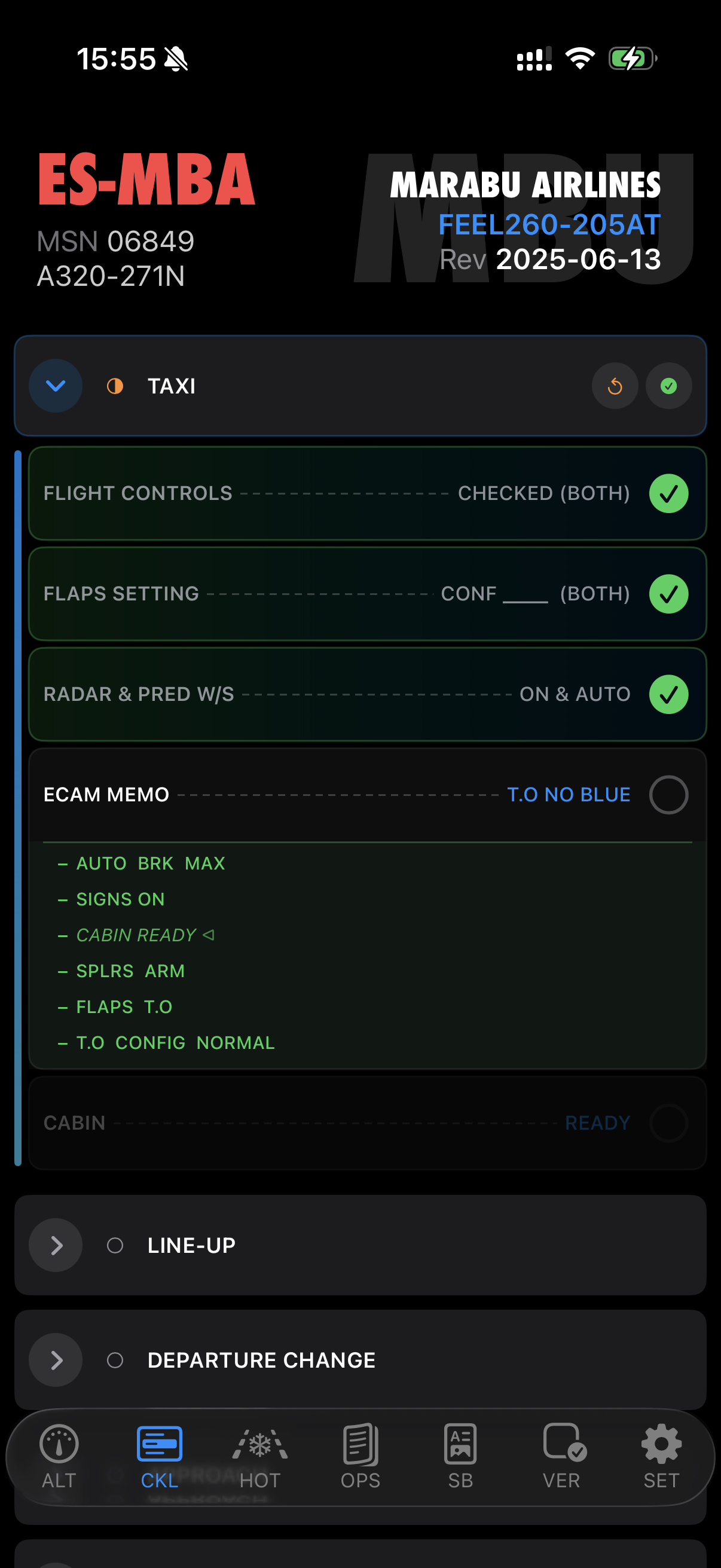
Normal and emergency checklists with state tracking and live sync between paired devices. Scan a QR code once to pair — checked items, section expansions, and resets propagate instantly between cockpit iPads via encrypted MultipeerConnectivity.
Hold-Over Time Calculator (HOT)
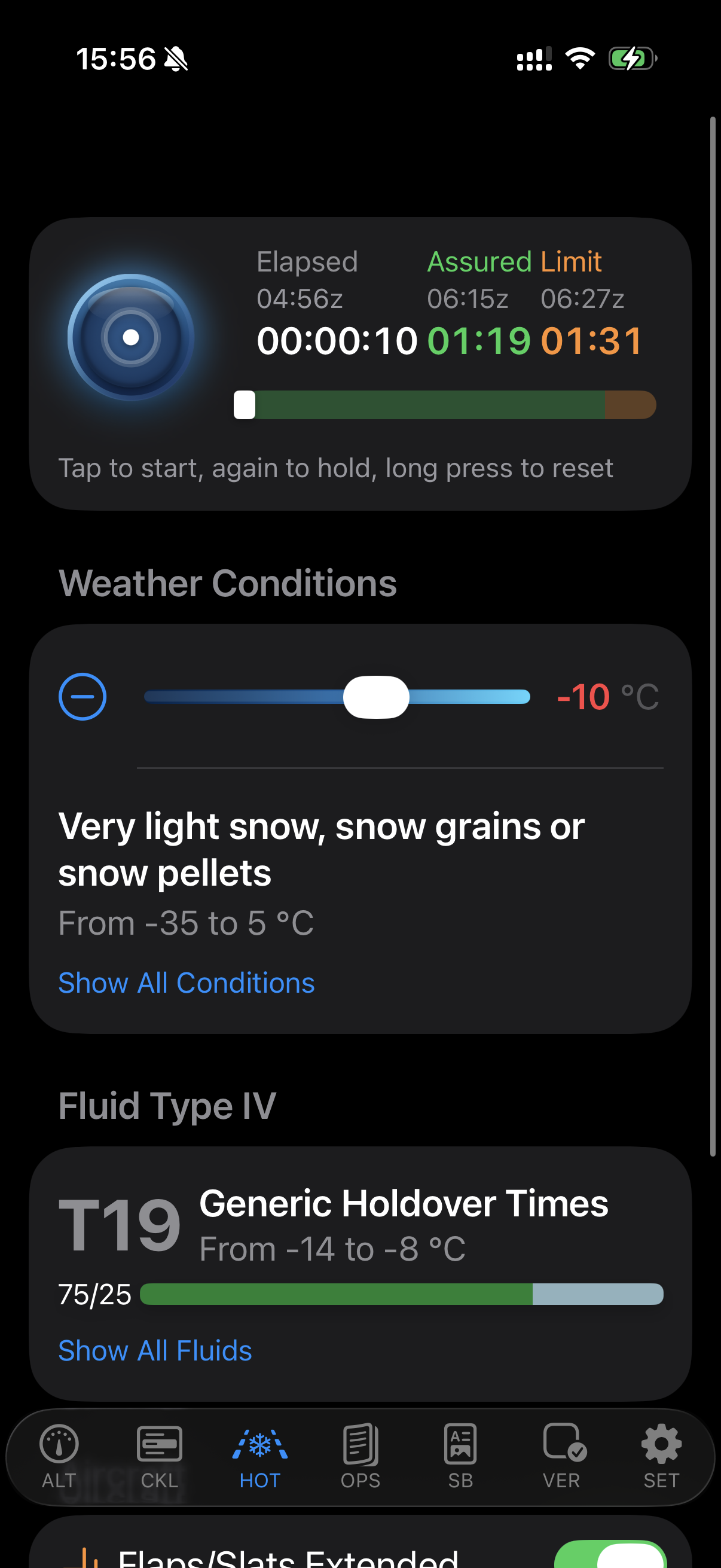
FAA and TCA 2026 tables with Live Activity timer on Lock Screen and Dynamic Island, including flaps adjustment. In-app purchase — also available as a standalone app (No-ICE).
Versions (VER)
Track all your EFB app and system versions in one place. Pull down to check the App Store for updates — a badge appears next to outdated entries. Create, edit, and archive version records. Works standalone with local data, or connects to your BLINK/FSA server to sync automatically on launch.
Also includes:
- Standard Operating Procedures (SOP) — SOP reference materials at your fingertips
- Operational Engineering Bulletins (OEB) — Browse and view OEB procedures with inline illustrations
- Operational Data (OPS) — Operator-specific procedures, performance tables, and synthesis items
- Supplementary Pages (SB) — Custom operator structure with nested navigation for approach guides, LVO, fuel procedures
- Abnormal Procedures (ABN) — ECAM Advisory, System Reset, ATA chapters with full procedure rendering
- Altitude Reference (ALT) — Interactive altitude table with ISA deviation, QNH correction, and metric RVSM support
- Personal Notes (NTE) — Keep your own operational notes organized
designed for the cockpit
- Night-Ready UI — Optimized for low-light cockpit conditions
- Device Pairing — Scan a QR code once, auto-reconnect every session. Encrypted peer-to-peer sync, no internet required.
- Split View and Slide Over — Use alongside your other apps on iPad
- Customizable Tab Bar — Drag-to-reorder, toggle visibility, quick-access vertical menu for hidden tabs
- Blink Compatible — Built-in xABDC server for companion EFB applications
- Secure Server Sync — Connect to your company server for seamless updates
- Inline Illustrations — Full support for embedded graphics in procedures, tables, and descriptions
availability
Free on iPhone, iPad, Mac (Apple Silicon), and Apple Vision Pro. Requires iOS 16.2 or later. No data collected.