SIMlink
Live ownship position on the crew's own EFB — inside the full-flight simulator.
- Feeds the simulated aircraft position to the crew's own EFB devices — the moving map works in the sim exactly as on the line
- Loose equipment, Wi-Fi and USB-C power only — read-only, no simulator modification, no qualification impact
- Zero EFB configuration — pilots join SIMlink's Wi-Fi the same way they join the aircraft's wireless AID
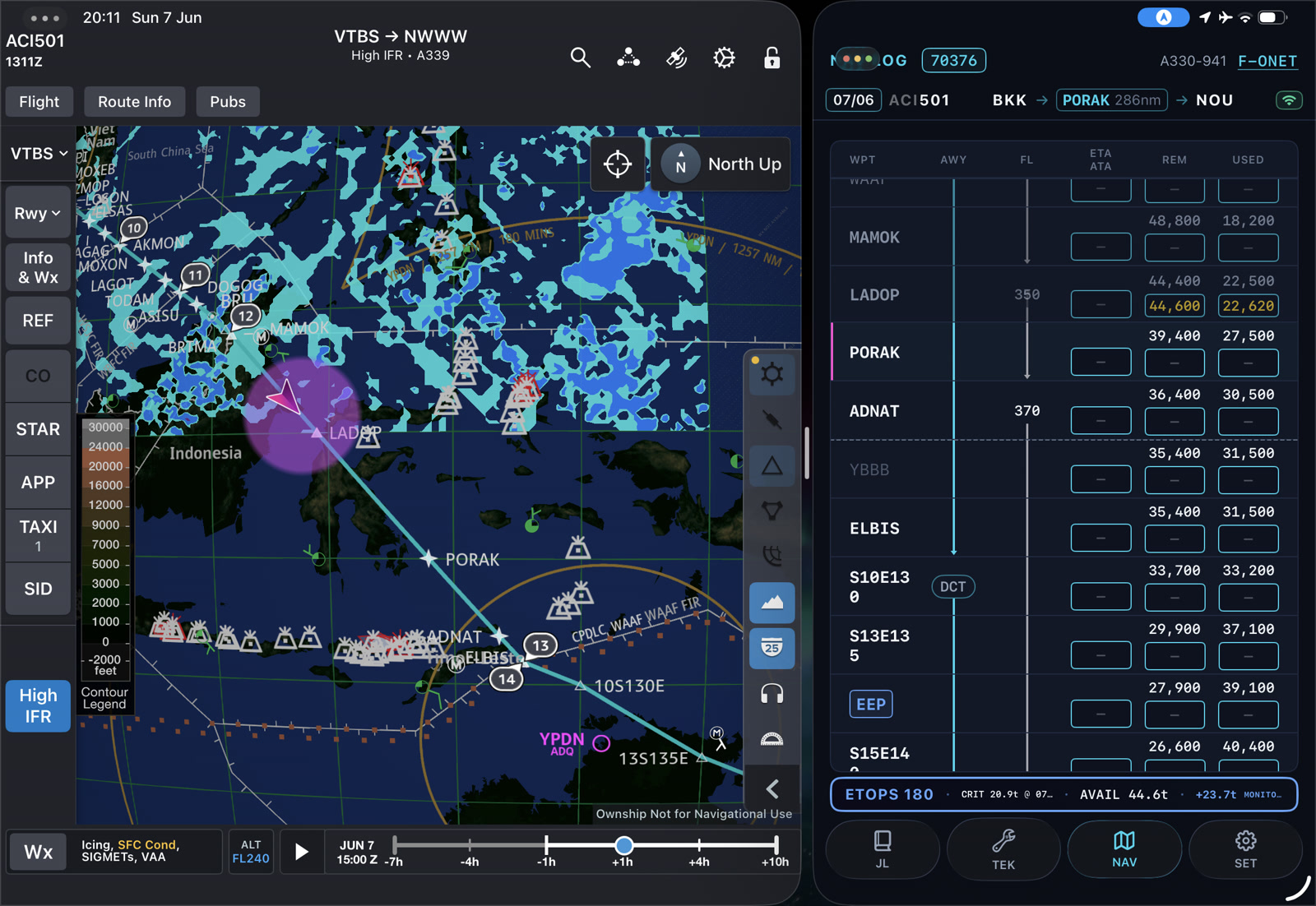
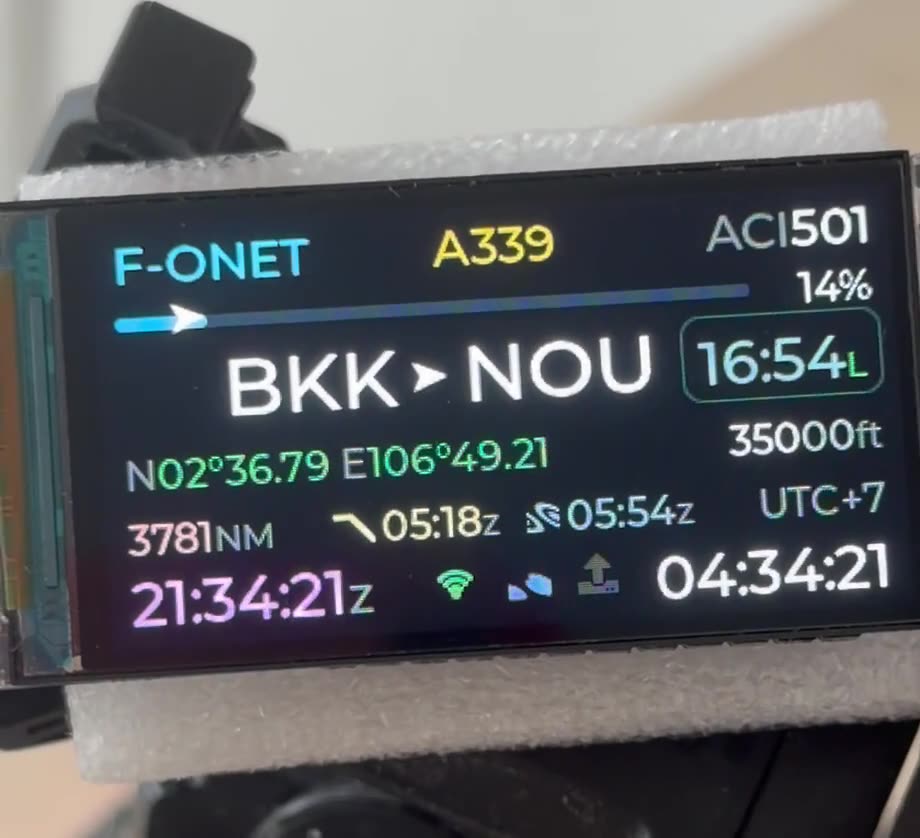
On the line, crews fly with ownship position on their EFB — fed by the aircraft’s AID or GPS on every flight. The moment they step into a full-flight simulator, that environment disappears: the EFB moving map goes blind, and crews train in a cockpit that no longer matches the one they work in. SIMlink closes that gap for simulator training centres and the airlines they serve.
How SIMlink works
- The facility shares position — an endpoint on the simulator network publishes the simulated aircraft state: latitude, longitude, altitude, ground speed, heading
- SIMlink listens — the device joins the facility Wi-Fi and reads that feed, whatever its format; we adapt to your endpoint, not the other way around
- Crews join its Wi-Fi — SIMlink is also an access point; connecting the iPad to it is the same gesture as joining the aircraft’s wireless AID
- The EFB comes alive — SIMlink speaks the AID protocol the EFB apps expect (FOMAX / ARINC 834), and ownship appears on the chart with no setting changed
The pilot’s iPad, exactly as flown
Pilots bring the EFB they fly with — same apps, same company profiles, same charts. The position flows into the software the airline already operates, so the moving map, taxi awareness and route display simply work:
- Lido mPilot
- JeppFD
- Mission+
- Other EFB applications on request, delivered over the air
There is nothing to install on the iPad, nothing to reconfigure, and nothing to undo after the session — no support burden for instructors, no “sim exception” habits for crews.
Nothing to modify, nothing to certify
SIMlink is loose equipment: a compact box placed near the instructor station or wherever the facility Wi-Fi reaches. Its complete requirements are a USB-C power source and network access to the position endpoint. It is read-only by design — it never writes to the simulator network — so there is no hardware modification, no software change on the simulator, and no qualification concern. New protocols, apps and capabilities arrive as over-the-air updates, without a site visit.
Why it matters in training
- LVO sessions — ownship on the taxi chart in 75 m RVR, the exact tool crews rely on for low-visibility taxi on the line
- Situational awareness — position, track and route on the chart throughout arrivals, circling and diversions, so instructors can debrief EFB usage as it actually happens in operations
- Work as on the line — crews keep their complete flow: briefing on the EFB, chart handling, cross-checks
- A visible upgrade for the training centre — “EFB ownship position in every session” is a closer-to-reality argument airline customers immediately understand
SIMlink is designed and validated by an active airline pilot who uses these EFB applications on the line.
On the roadmap
- Company profiles — preselect an airline’s profile on the device and SIMlink presents the matching AID interface, so each operator’s EFB connects with zero setup
- Flight plan to the EFB — share the session’s flight plan — departure, destination and route — with the crew’s EFB, so pilots brief and fly the planned routing in JeppFD in support of the whole simulator session
- Record · Replay · Report — every session’s positions recorded on the device, with one-gesture KML download to replay the flown track in Google Earth and turn sessions into easy debrief and reporting material
Both are delivered as over-the-air updates to every SIMlink already in service.
Integration
Deployment starts with a short scoping call: which simulators, which position endpoint, which EFB applications your airline customers fly with. We adapt SIMlink to the feed specification, validate against recorded data on our bench, then confirm ownship on the EFB apps across a full flight profile in one on-site session. The FOMAX / ARINC 834 path is implemented and running today.
Frequently asked questions
Does SIMlink require any modification to the simulator?
No. SIMlink is loose equipment placed near the instructor station or anywhere the facility Wi-Fi reaches. It only reads a position feed the facility chooses to share, never writes to the simulator network, and its complete installation is a USB-C power outlet. Unplug it and the simulator is exactly as before — there is no hardware or software change and no qualification concern.
Which EFB applications are supported?
Lido mPilot, JeppFD and Mission+ are supported today over the FOMAX / ARINC 834 (ADIF) protocol, and further EFB applications and AID standards are added on request — delivered to devices already in service through over-the-air updates.
Do pilots need to configure anything on their EFB?
No. Crews walk in with the iPad they fly with — same apps, same profiles, same charts. Joining SIMlink's Wi-Fi access point is the entire procedure, mirroring the gesture they already make on the aircraft. Nothing is installed and nothing has to be undone after the session.
What does the simulator facility need to provide?
Three things — an endpoint on the facility network publishing the simulated aircraft state (latitude, longitude, altitude, ground speed and heading as a minimum), Wi-Fi access for the device to reach that endpoint, and a USB-C power source. SIMlink adapts to the data format your simulators already expose, not the other way around.
Can one device serve several simulators?
Yes. SIMlink can be moved between bays and reconfigured for whichever endpoint each simulator exposes, or one device can be installed per bay. Configuration profiles and remote updates keep a fleet of devices consistent.