sQRH 5.0 — ATR QRH, one import, and the Flight Deck look
Until now sQRH was an Airbus QRH. Version 5.0 opens it to the ATR 72. It reads ATR QRHs in the ATA iSpec 2300 format, whether they come straight from the manufacturer or from an airline’s document system, and shows them next to Airbus tails. Pick a tail and you get its QRH: for an ATR, the EMR, NCL, OEB, GEN, PRO, ABN, LIM and PER tabs, charts drawn on the device, links between procedures, and the official revision date in the header.
Getting QRHs onto the device is simpler too. One import now takes a zip holding several QRHs — Airbus and ATR together, even zips inside zips — from Files or from the airline server. Each package is checked on its own, and a damaged one never removes a QRH that works: every tail keeps the QRH it had until a good one replaces it. After each import or sync, Settings says what was installed, skipped or failed, and why, and lists each installed QRH with its revision and tails. Hold to remove one.
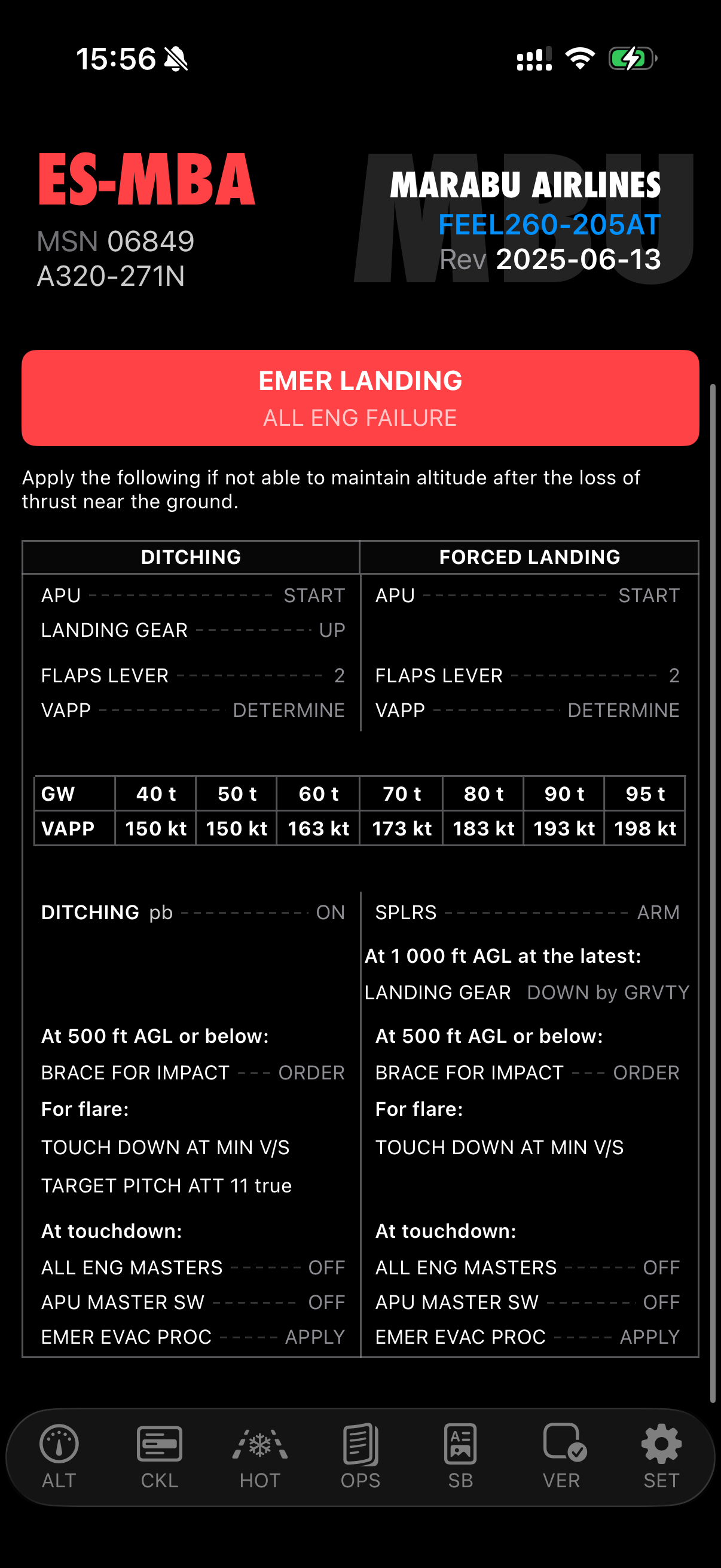
5.0 also brings the Flight Deck look to every screen: a true-black night palette and a matching day one, with Classic kept for those who prefer the look from before, an Appearance setting (System, Day, Night) and two text sizes. Long-press NTE, ALT, HOT, NCL, VER or FTL to open it beside the current module, and layouts follow the window width. Anything that erases — resetting checklists, deleting an FTL sector, stopping a crew rest — now takes a hold, never a stray tap.
The checklist tab is now NCL, with complete and reset hold buttons, and the Versions Module shows app names and each update’s publication date. sQRH 5.0 requires iOS 18.
Full details on the sQRH app page, and the update is on the App Store.